
Drawings or renderings are ready
You want to turn a design concept into a cabinetry project that can be quoted, produced and delivered.
 Canada · Showroom Client · Wardrobe & Storage Project
 A wardrobe and storage system for showroom sample display and client material communication.
This case helps you judge project scope, file readiness and whether the project is suitable for quotation discussion.
You want to turn a design concept into a cabinetry project that can be quoted, produced and delivered.
You need to clarify which cabinets, materials, hardware and delivery items are included.
You need to identify missing files early to avoid repeated quotation revisions.
You want to understand packing methods, site checking logic and installation coordination in advance.
Before moving forward, it is important to clarify scope, materials, hardware, packing and delivery method.
Woodgrain finishes, metal handles and zoned storage.
Confirm door panels, drawers and lighting-strip details with sample display.
Organize packing documents by display area and cabinet module.
By reviewing overall effect, drawing communication, material confirmation, hardware details and packing delivery, you can judge how similar projects should move forward.
 Overall Project Effect
 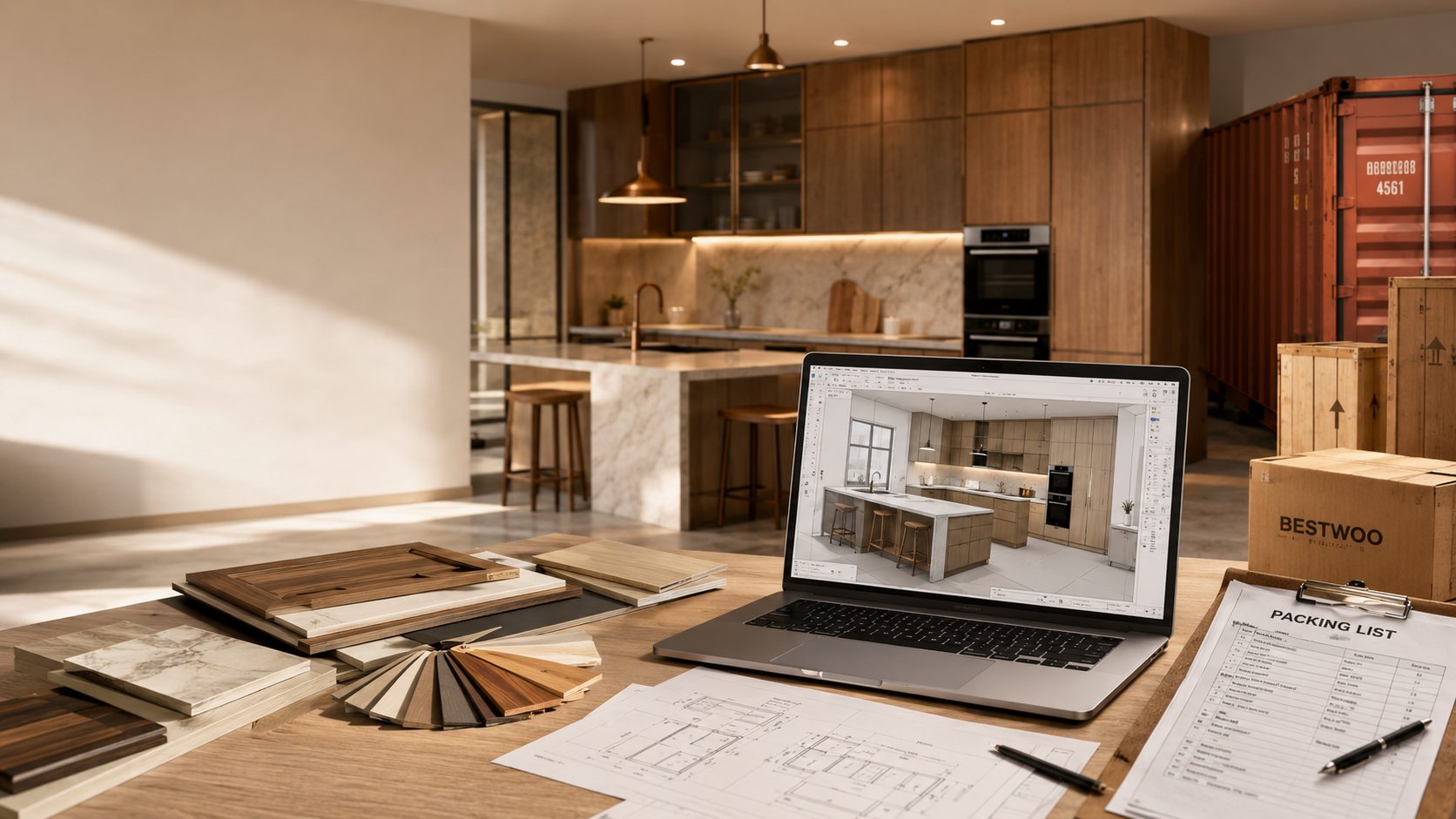 Drawing & Solution Communication
 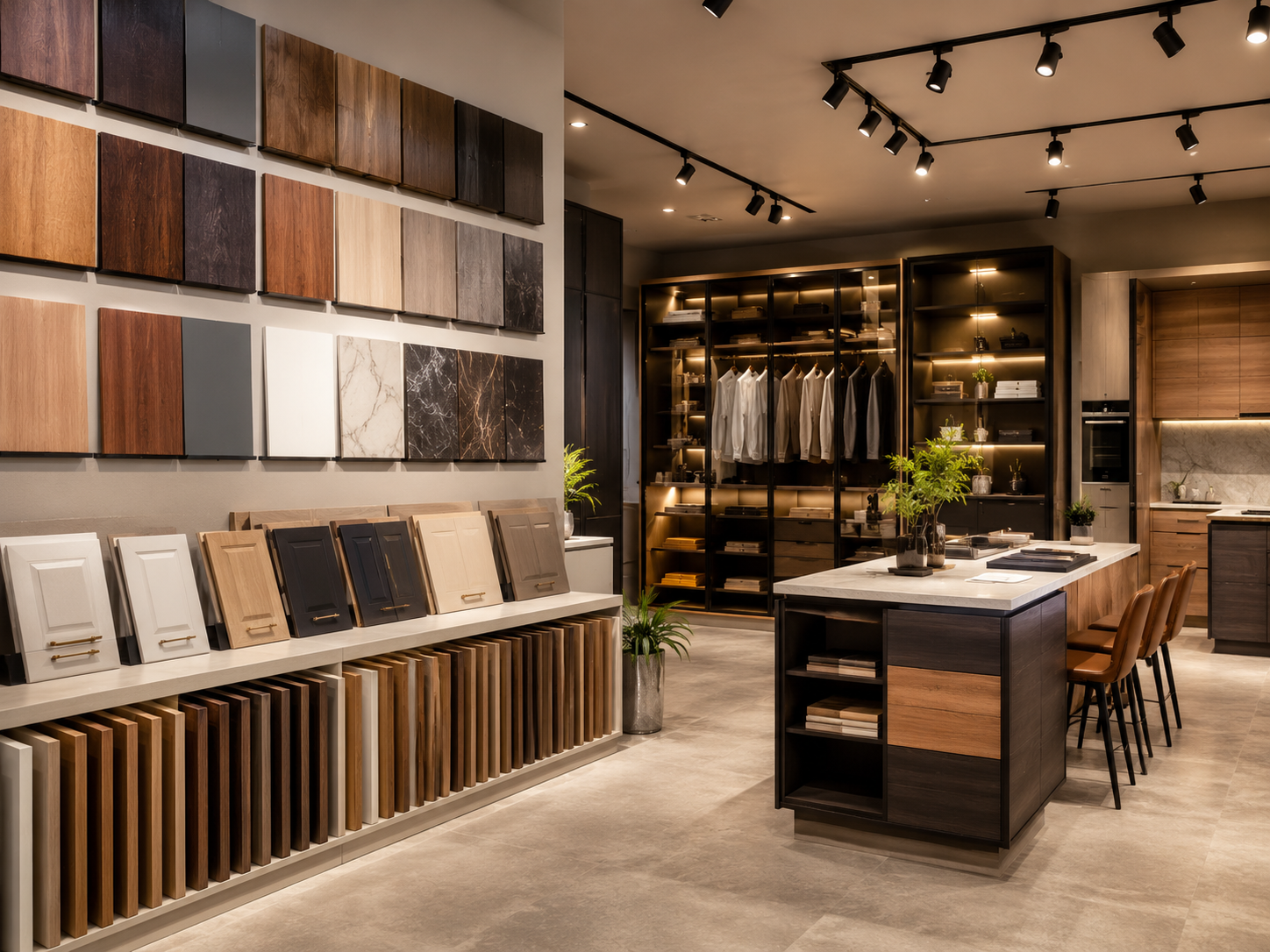 Material & Finish Selection
  Packing & Delivery Method
 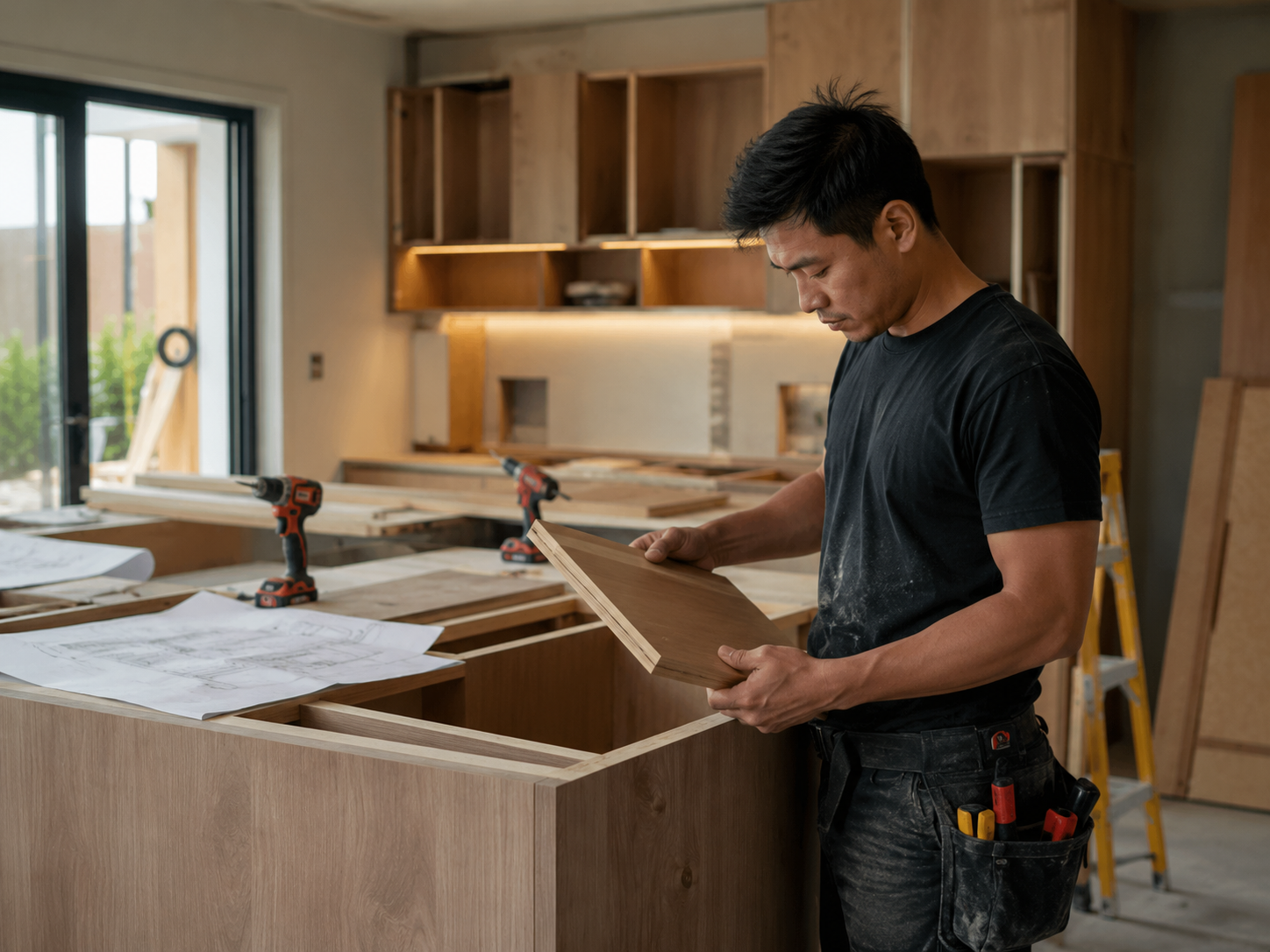 Hardware & Detail Confirmation
 When files, scope, materials, hardware and delivery requirements are clear early, quotation and production communication become smoother.
Review drawings, dimensions, lists, site photos and reference style first to judge whether preliminary quotation can begin.
Clarify the specific cabinets, materials, hardware, countertops and delivery requirements separately.
Clarify numbered packing, on-site checking, installation coordination and phased shipping schedule.
Files do not need to be complete at the beginning. Send what you already have first, and we can judge whether quotation can begin and what key information is still missing.
Drawings, BOQ, dimensions, site photos and reference images can all be submitted first. We will judge what information is still needed before deciding the next step.
